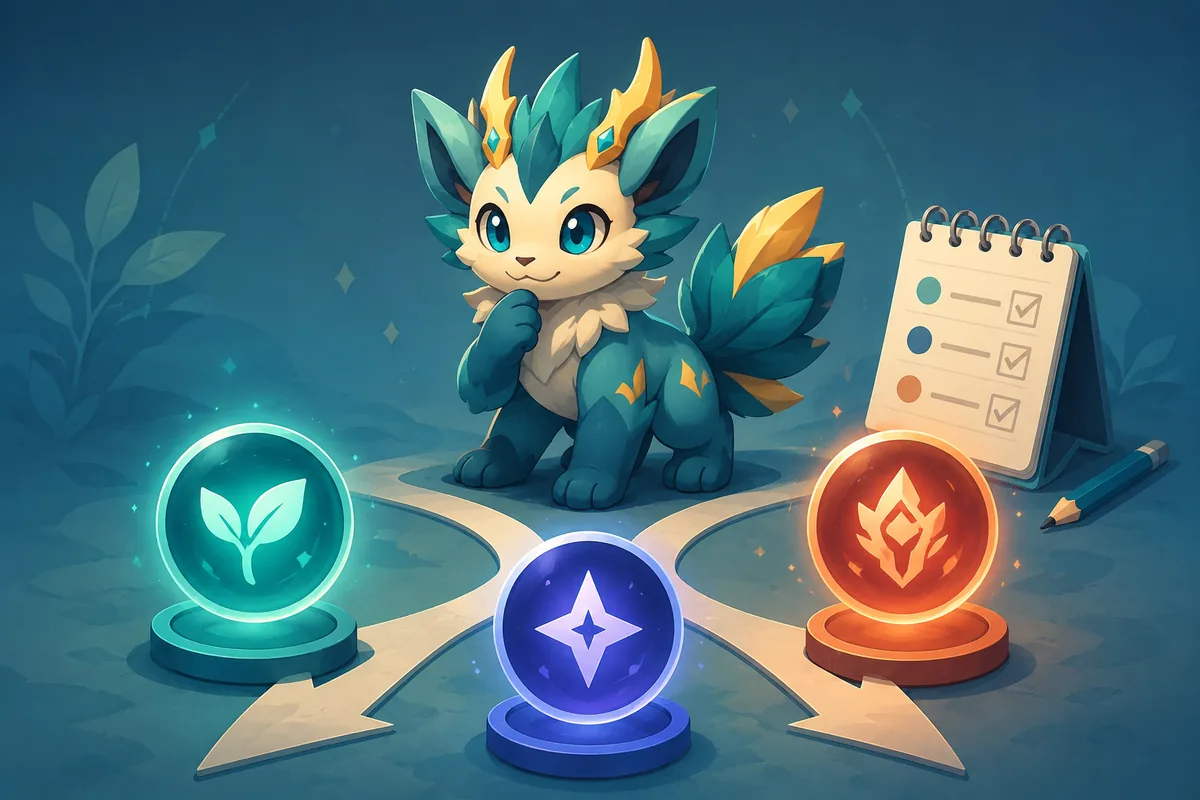
How to get trait rerolls in Evomon
The safest way to get trait rerolls in Evomon is to check current reward surfaces in the live Roblox experience: codes, event or quest rewards, progression panels, and any shop or exchange that names a reroll item. Public code pages can reveal a potion clue, but codes expire and rewards change, so the game client decides what you can claim today.
Before spending one, identify whether the item changes a broad trait, a nature stat modifier, or a talent-style ability. These labels are used loosely in player discussions. Open the selected Evomon, read the item description and confirmation screen, then compare the result with the role your team needs.
Treat a community reroll list or code as a lead, not proof. A live inventory, reward panel, or confirmed in-game result is stronger evidence than an undated post.
Trait, nature, and talent rerolls are different decisions
Searches for Evomon rerolls combine several systems. Separating them first prevents you from spending a rare item on the wrong target.
Trait reroll
Use this term for a broad identity or passive-style property when the current screen labels the item as a trait reroll.
- Read the exact item name.
- Check whether the target is the active Evomon.
- Record the old value before confirming.
Nature reroll
A nature changes the balance between two stats. It is a build decision: the best result depends on whether the creature deals physical damage, special damage, speed, or bulk.
- Compare the boost and drop.
- Match the role, not a generic tier list.
- Recheck after an evolution or team change.
Talent reroll
A talent-style reroll may affect an ability or passive rather than the nature table. The current panel should tell you whether the result is permanent, replaceable, or slot-based.
- Check the result preview if shown.
- Look for a replacement warning.
- Test the effect in a low-risk fight.
Where Evomon reroll resources may come from
Do not promise one permanent farming route without checking the current client. Use this evidence ladder when looking for more nature rerolls or a trait reroll potion.
- 1
Check current codes and timed rewards
Review the Evomon codes page for clues, then redeem only through the live game. Confirm the reward text and expiration state instead of assuming every listed code still grants a reroll.
- 2
Read quest and progression panels
Open active quests, event tabs, milestones, and reward tracks. A reroll can be attached to progression even when a search result calls it a potion or ticket.
- 3
Inspect shop or exchange screens
If the game shows a reroll item in a shop, exchange, or bundle, read the currency, limit, reset time, and target system before buying. A visible price is not proof of good value.
- 4
Use community reports as leads
Posts and videos can reveal a hidden panel or player wording. Verify the route, item, and reward on your account because updates can make old reports stale.
If a source gives only a name or screenshot, label it as a clue. Do not claim an exact drop rate, guaranteed code reward, or permanent location without current in-game evidence.
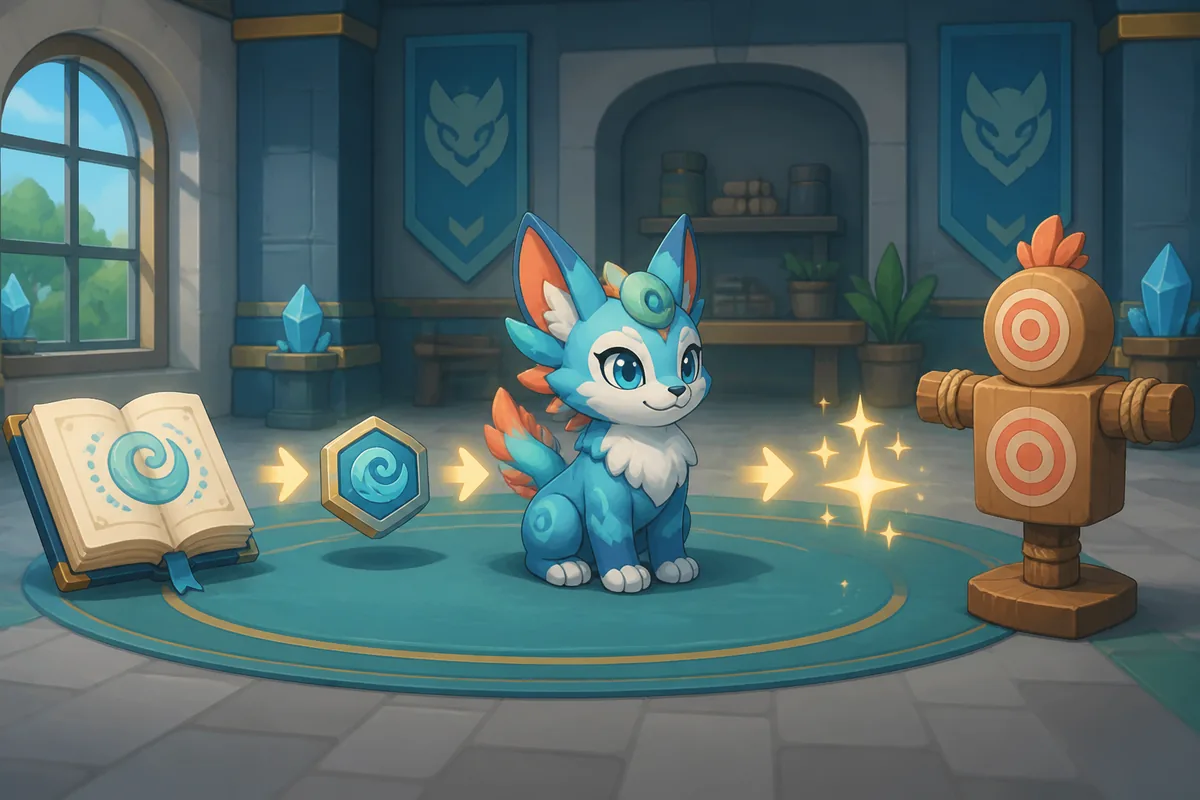
Safe Evomon reroll checklist
Use this sequence for a trait reroll, nature reroll, or talent reroll. It takes longer than tapping the first available button, but it makes a bad roll easier to detect and a good roll easier to keep.
- Select the long-term targetConfirm the exact Evomon, evolution stage, level, type, and team role. A temporary catch is harder to justify than a creature you will keep.
- Write down the current resultRecord the trait, nature boost and drop, talent text, or passive effect. This creates a before-and-after comparison if the menu has no history.
- Read the item and total costCheck the item name, quantity, currency, cooldown, and whether the roll is random or previewed. Leave if the cost is unclear.
- Set a role-based stopping pointDecide what is good enough: the right attack stat, usable speed, needed defense, or a talent that fixes a matchup. Do not chase a perfect screenshot.
- Confirm once and inspect the resultAfter the animation, reopen the creature panel. Make sure the value belongs to the intended Evomon and the item was consumed as expected.
- Test before spending againUse a low-risk battle to see whether the new role helps. Keep a result that solves the problem and save the next rare reroll for a larger upgrade.
How to choose a nature reroll
The existing nature table is more useful as a role filter than as a universal ranking. These examples show the kind of comparison to make before using a nature reroll.
| Team need | Prefer a boost to | Accept a drop to | Why it can fit |
|---|---|---|---|
| Physical damage | Attack | Sp. Atk or another low-value stat | Fits physical moves. |
| Special damage | Sp. Atk | Attack or an unused stat | Avoids paying for a stat you will not scale. |
| Fast attacker | Speed | A less important stat | Helps secure turn order. |
| Physical bulk | Defense | Attack or another replaceable stat | Supports a wall or switch-in plan. |
| Special bulk | Sp. Def | Attack or another low-priority stat | Supports a special-hit absorber. |
| Neutral placeholder | The route's most needed stat | A stat you truly do not use | Better than blind rerolling while the build changes. |
These are decision examples, not guarantees about a future evolution or a perfect Evomon. Check the current nature modifier and the creature's actual moves before you spend.
How to check an Evomon talent reroll
Talent reroll questions are often harder to answer from a list because the result may be tied to a passive, ability slot, or replacement prompt. Use the interface state as your source of truth.
Read the scope
Confirm whether the reroll changes one talent, the full pool, or a selected slot. A broad random roll needs a stricter stopping point.
Compare the matchup
Ask what the talent changes: damage, survival, control, resource gain, or consistency. A rare effect is not better if it never helps your route.
Test the saved state
Leave the menu, reopen the panel, and run a low-risk encounter. Verify the talent is active and did not replace another useful effect.
If the current client uses a different label than talent, follow the visible item description and keep the exact wording in your notes.
When should you reroll—and when should you stop?
A good reroll is one that solves a defined problem at a cost you can afford. It is not necessarily the rarest name or the highest number in a community screenshot.
Reroll now
The Evomon is a long-term team member, the current result conflicts with its role, and the live screen documents the cost.
Wait first
The team is changing, the next evolution may alter the role, or you have not checked whether a reward can replace the item.
Stop here
The result supports the intended matchup. Keep the resource for a bigger weakness instead of a marginal upgrade.
Common Evomon reroll mistakes
Searching only for a code
A code is one clue, not the whole acquisition path. Check quests, events, progression, shops, and inventory too.
Confusing a nature with a talent
Nature changes stat priorities; a talent-style result may change an ability. Read the target panel first.
Rerolling a temporary catch
If the creature may be replaced or evolved into another plan, wait until the long-term target is clear.
Trusting an undated screenshot
A community screenshot can reveal wording but not prove the current cost, menu, or reward state.
Ignoring the replacement warning
A talent or passive reroll can remove a useful result. Compare old and new values before accepting.
Evomon trait reroll FAQ
How do I get more nature rerolls in Evomon?
Check current codes, event and quest rewards, progression tracks, and any live shop or exchange that names a nature or reroll item. Public guides can point to a panel, but the client must confirm the reward is available.
Where can I find an Evomon trait reroll potion?
Look for the exact item name in current rewards, inventory, shops, and code information. Do not assume a community list is current or guaranteed unless the live game shows it on your account.
How does talent reroll work in Evomon?
Read whether the action changes one slot, the full talent result, or a passive-style effect. Record the old value, cost, and warning, then test the result before using another rare item.
Should I reroll nature before evolving an Evomon?
Usually wait if the next evolution could change your role, moves, or resource priorities. Reroll after the long-term form is clear unless the current nature blocks progress and the cost is easy to replace.
Are Evomon reroll codes permanent?
Do not treat a code as permanent without current in-game confirmation. Check its status, reward text, and date; expired or changed rewards make old lists fail.
What is the best Evomon nature to reroll for?
There is no single best nature. Match the boost to the role you need—physical damage, special damage, speed, or bulk—and accept a drop in a stat the build does not use.
Sources and verification notes
- Official Evomon Roblox experience — First-party game page used for the live-source check and game identity; checked September 4, 2026.
- Pro Game Guides Evomon beginner guide — Public discovery reference for terminology and ability questions; verify current values in the game before spending.